graph8 for RevOps
A field guide for Revenue Operations. Live URLs, real surfaces. Screenshots captured from a showcase tenant with public-company data only.
The five things to use today
01. Pipeline + stage configuration — the source of truth for every deal
10 configurable stages with probabilities, types, stage checklists, and revenue rules. Plus 8 sibling sub-tabs covering Buying Committees, Lifecycle, Stage Docs, Lead Qualification, Products, Quotes, Form Settings, Leaderboard.
Open it at
app.graph8.com/studio/settings→ Revenue → Pipelines- Sibling sub-tabs under Revenue: Buying Committees · Lifecycle · Stage Docs · Lead Qualification · Products · Quotes · Form Settings · Leaderboard
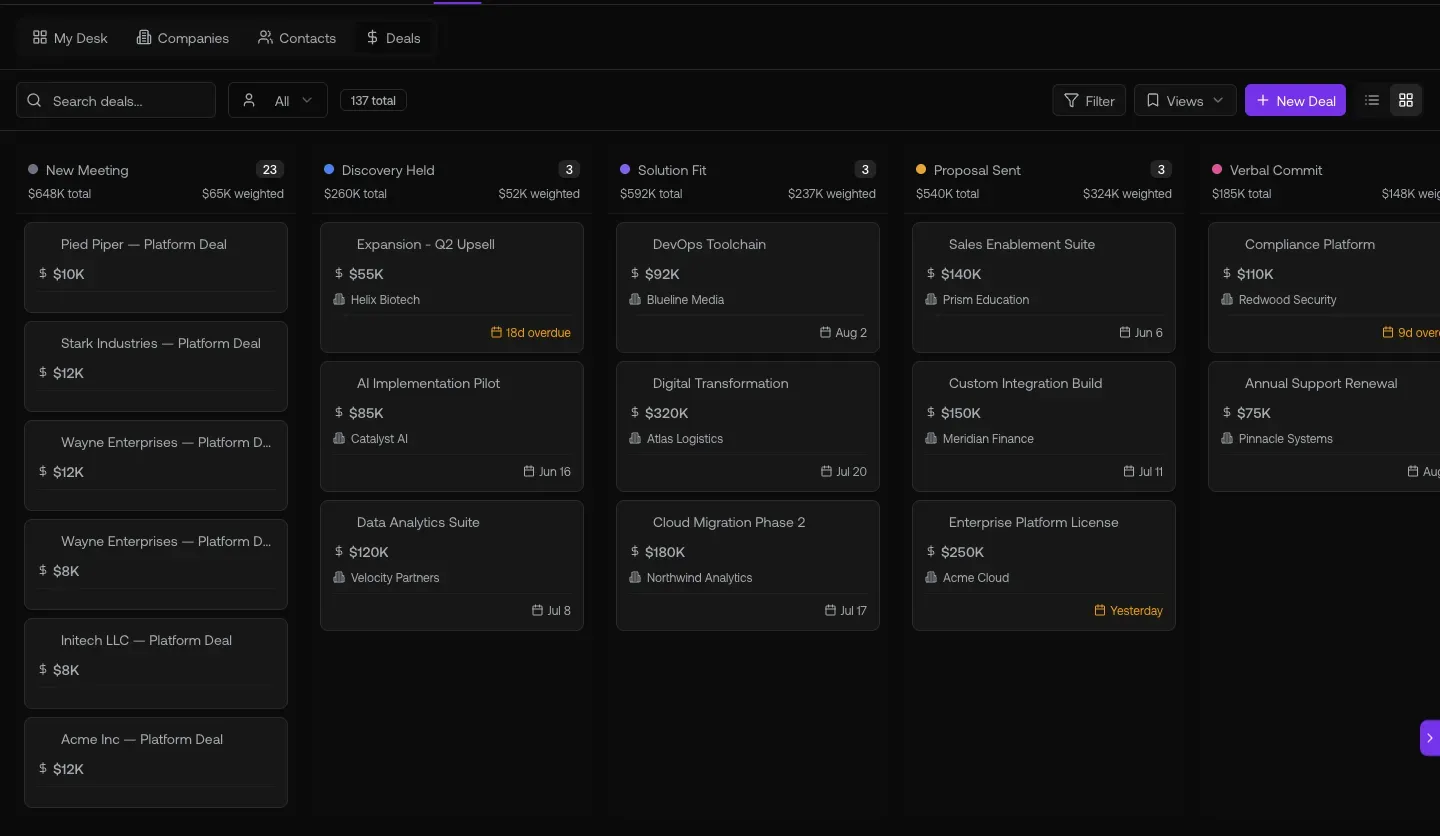
Fig 1.1 — Sales Pipeline (Default) with all 10 stages + probabilities. Edit per-stage checklists, lifecycle hooks, and revenue rules from here.
The 10 default stages + probabilities (live)
New Meeting10% Discovery Held20% Solution Fit40% Proposal Sent60% Verbal Commit80% Closed Won100% Closed Lost0% Long Term Nurture— Weak Responsiveness— Engaged—
02. CRM-to-billing reconciliation — /admin Customers + Services + Customers list
Three views of the same revenue truth. /admin has the raw Stripe Customer + Subscription IDs (715 records). /deals/l/customers is the operational CRM view. /admin Services is the 37-item product catalog with credit pricing.
Open it at
app.graph8.com/admin→ Customers tab — raw Stripe IDs, 715 records/admin→ Services tab — 37-item product catalog with credit pricing/deals/l/customers— operational CRM view with your data
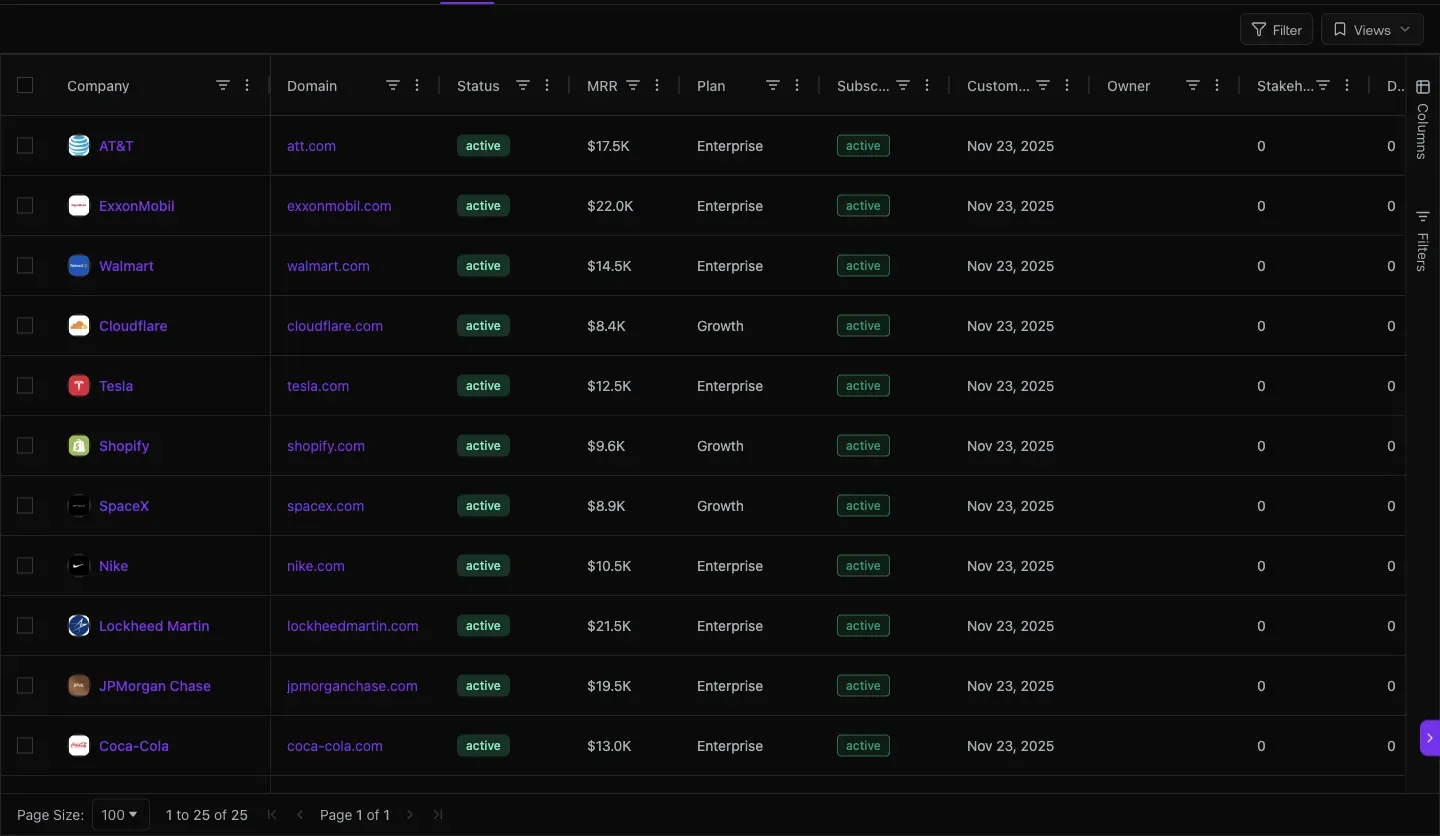
Fig 2.1 — /admin → Customers. 715 records. Columns: Customer (email) · Credits · Usage · Stripe Customer (cus_xxx) · Stripe Subscription (sub_xxx) · Joined · Status (Trialing / Active) · Product. This is the only UI surface showing the raw Stripe joins.
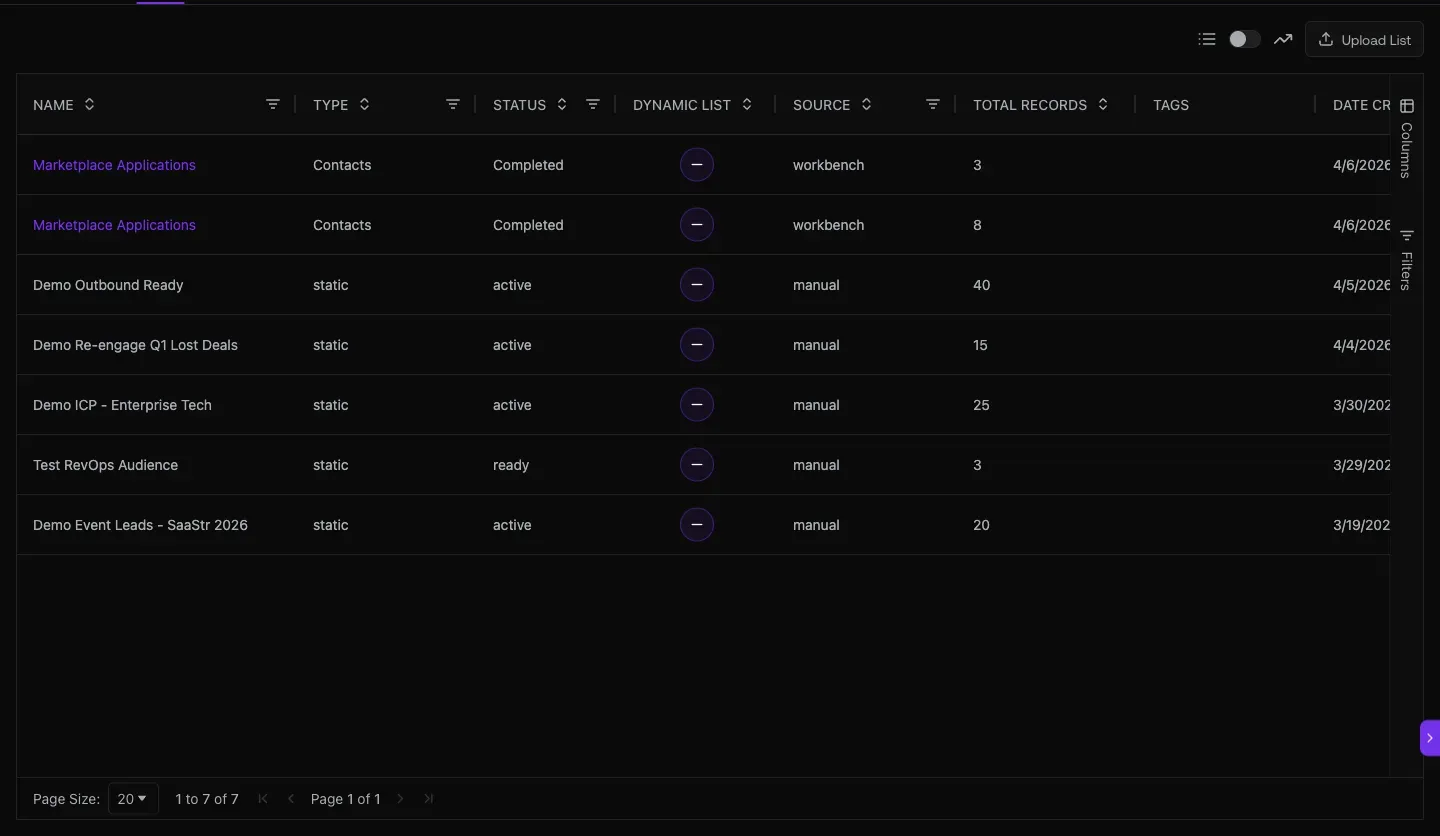
Fig 2.2 — /admin → Services. 37 services priced in credits. Examples: Inbox Placement Test 20 credits per test · Voice AI 20 credits per minute · Meetings 20 credits per booked meeting · Web Visitor 20 per resolution. This is the product-pricing source of truth.
03. Integrations — CRM, billing, and the field mapping schema
HubSpot, Salesforce, Zoho CRM, SugarCRM, Stripe. Each connection has Push/Pull/Fields/Appointments sub-tabs with per-record-type field mapping (Graph8 Field ↔ CRM Field with Auto Fill / Overwrite controls).
Open it at
app.graph8.com/studio/settings?tab=integrations
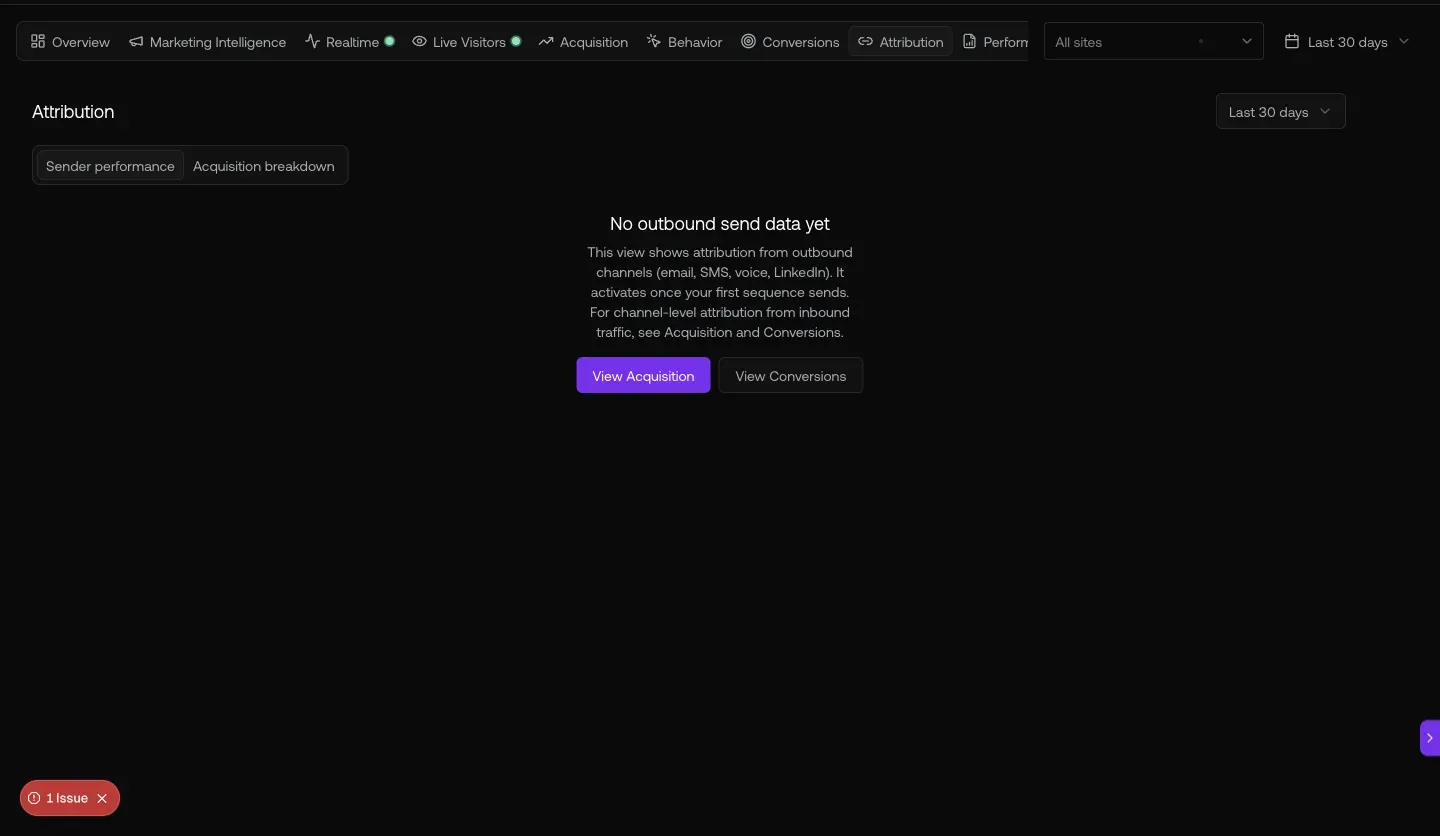
Fig 3.1 — Integrations parent surface. HubSpot Connected (shaharyar@graph8.com, May 18 2026) · Salesforce / Zoho CRM / SugarCRM available · Stripe Connected. Click the gear icon on a connected integration to drill into Push / Pull / Fields / Appointments sub-tabs.
The Fields sub-tab on HubSpot is the RevOps schema surface — per-object (Contact / Lead / Company / Deal) mapping of every graph8 field ↔ HubSpot property, with per-row Auto Fill (graph8 fills if HubSpot is blank) and Overwrite (graph8 always wins) controls. This is also the closest thing to a custom-field surface today — there’s no standalone /fields route.
04. Performance Reports + Attribution / Conversions
13 sub-reports for daily ops monitoring, plus 9 analytics tabs spanning Overview / Acquisition / Behavior / Conversions / Attribution / Performance Reports / Marketing Intelligence / Realtime / Live Visitors.
Open it at
app.graph8.com/reports— Performance Reports (Activity Trend default)/analytics/attribution— sender-performance attribution (empty for graph8 today)/analytics/conversions— Goal Completions + Form Performance (populated)
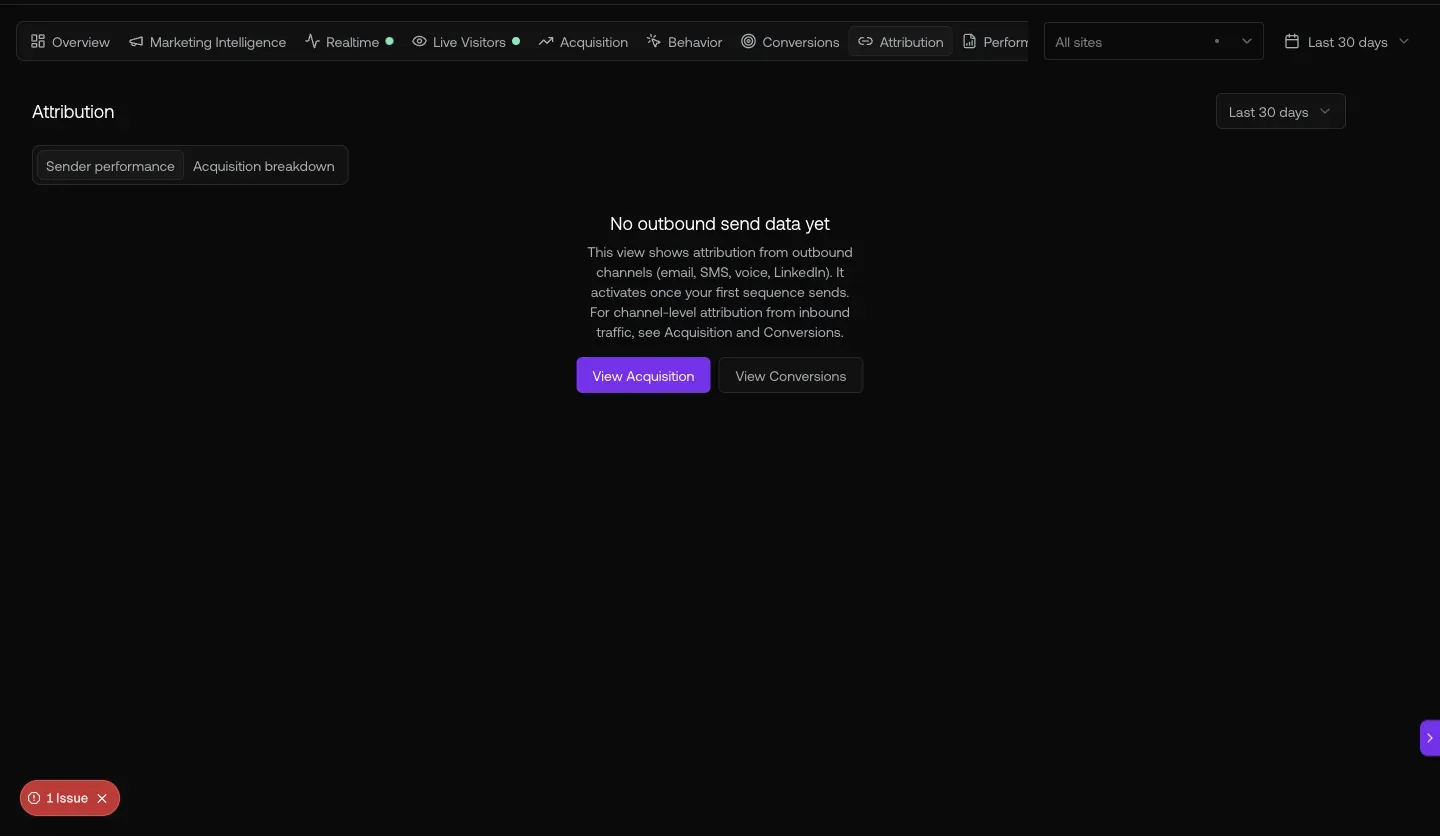
Fig 4.1 — /reports hero KPIs (39,815 emails / 9,639 dials / 232 replies / 0.6% reply rate / 71 meetings, last 7 days) + Activity-over-time line chart. Left sidebar enumerates all 13 sub-reports.
The 13 sub-reports
- Activity Trend (default)
- Reply Health
- LinkedIn Health
- Bounce Health
- Mailbox Health Board
- Connect Rate
- SDR Leaderboard
- SDR Grade Trends
- SDR Daily Heatmap
- Disposition Mix
- Talk Time Quality
- Meeting Pipeline
- Inbound Activity
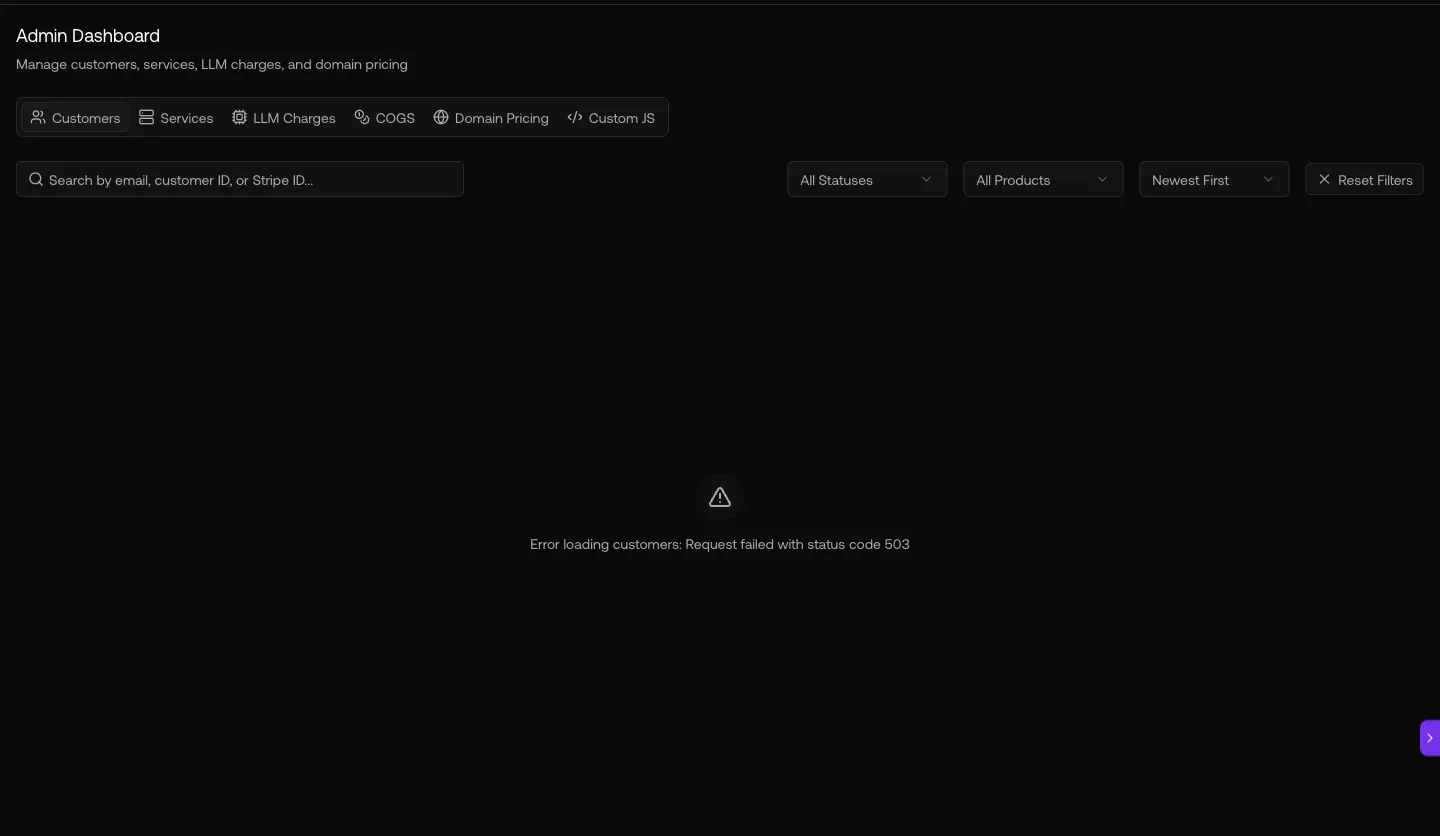
Fig 4.2 — /analytics/conversions. 146 conversions · 0.1% rate · 106 form submissions · 40 meetings booked. Form Performance breakdown below the fold.
05. Systems config — Domains, Scraping, Custom JS
The three configuration surfaces RevOps owns end-to-end: auth domain allow-list, content scraping rules, and approved custom-code injection on customer sites.
Open it at
app.graph8.com/studio/settings→ Domains/studio/settings?tab=scraping— content crawl config/admin?tab=custom-js— custom JS approval queue
Fig 5.3 — /admin?tab=custom-js. Approval queue for customer-site JS injections. 5 pending requests visible from org_3hN6lL7aHJNYV8al. Pending / Approved / Rejected / Revoked tabs — audit trail for every injection.
URL cheat-sheet
| To do this | Go here |
|---|---|
| Pipeline stages + probabilities | /studio/settings → Revenue → Pipelines |
| Buying Committees / Lifecycle / Stage Docs | Revenue sub-tabs |
| Lead Qualification + Products + Quotes config | Revenue sub-tabs |
| Raw Stripe IDs + 715 records | /admin → Customers |
| 37-service product catalog (credit pricing) | /admin → Services |
| Custom JS approval queue | /admin?tab=custom-js |
| LLM cost tiers (G1-G4) | /admin → LLM Charges |
| Domain pricing (per-org charges) | /admin → Domain Pricing |
| CRM + billing integrations | /studio/settings?tab=integrations |
| Field mapping (per-integration) | Integration gear → Fields tab |
| Performance Reports (13 sub-reports) | /reports |
| Conversion analytics | /analytics/conversions |
| Attribution (sender / acquisition) | /analytics/attribution |
| Auth domain allow-list + default role | /studio/settings → Domains |
| Content scraping rules | /studio/settings?tab=scraping |
| API keys + Webhooks + MCP/CLI config | /studio/settings → API, MCP & CLI |
The 18 Studio Settings sub-tabs
Heads-up — known RevOps gaps + workarounds
Generated 2026-05-20 against
app.graph8.com (org your org). Surface state verified live before publication