graph8 for Onboarding / Implementation
A field guide for Onboarding / Implementation. Live URLs, real surfaces. Screenshots captured from a showcase tenant with public-company data only.
The 30-day playbook (5 steps)
01. Day 1-3 — Generate the brand DNA foundation
graph8 auto-generates 46 brand DNA docs from the customer’s website + enrichment. Every downstream artifact (emails, LPs, ads, agent scripts) pulls from these docs. Foundation must come first.
Open it at
app.graph8.com/studio?mode=global— 46 doc workbench
Fig 1.1 — /studio?mode=global. Mature org snapshot: 42 of 46 docs generated. New customer onboarding starts at 0/46. Run generation in this order: Intelligence → Context → Research → Targeting.
- Confirm customer website crawled (
/studio/settings?tab=scraping— set max crawl depth) - Trigger Intelligence bucket (13 docs: scrape, enrichment, competitors, keywords)
- Trigger Context bucket (21 docs: Brand Brief, Brand Voice, Personas, ICPs, Messaging House, etc.)
- Trigger Research bucket (6 docs: Buyer Psychology, Voice of Customer, etc.)
- Trigger Targeting bucket (3 audience definition docs)
- Review Brand Brief + Brand Voice with customer — if these are wrong, fix them before doing anything else
02. Day 4-7 — Install tracking + connect CRM
Web snippet → first events flowing within hours. CRM integration → bidirectional contact/deal sync. Field mapping → per-object schema agreement.
Open these
/connections/streams→ click site → Setup Instructions (snippet)/studio/settings?tab=scraping— site crawl config/studio/settings?tab=integrations— connect HubSpot/SF/Zoho/SugarCRM/Stripe- Click connected integration → Fields tab — map each object’s fields
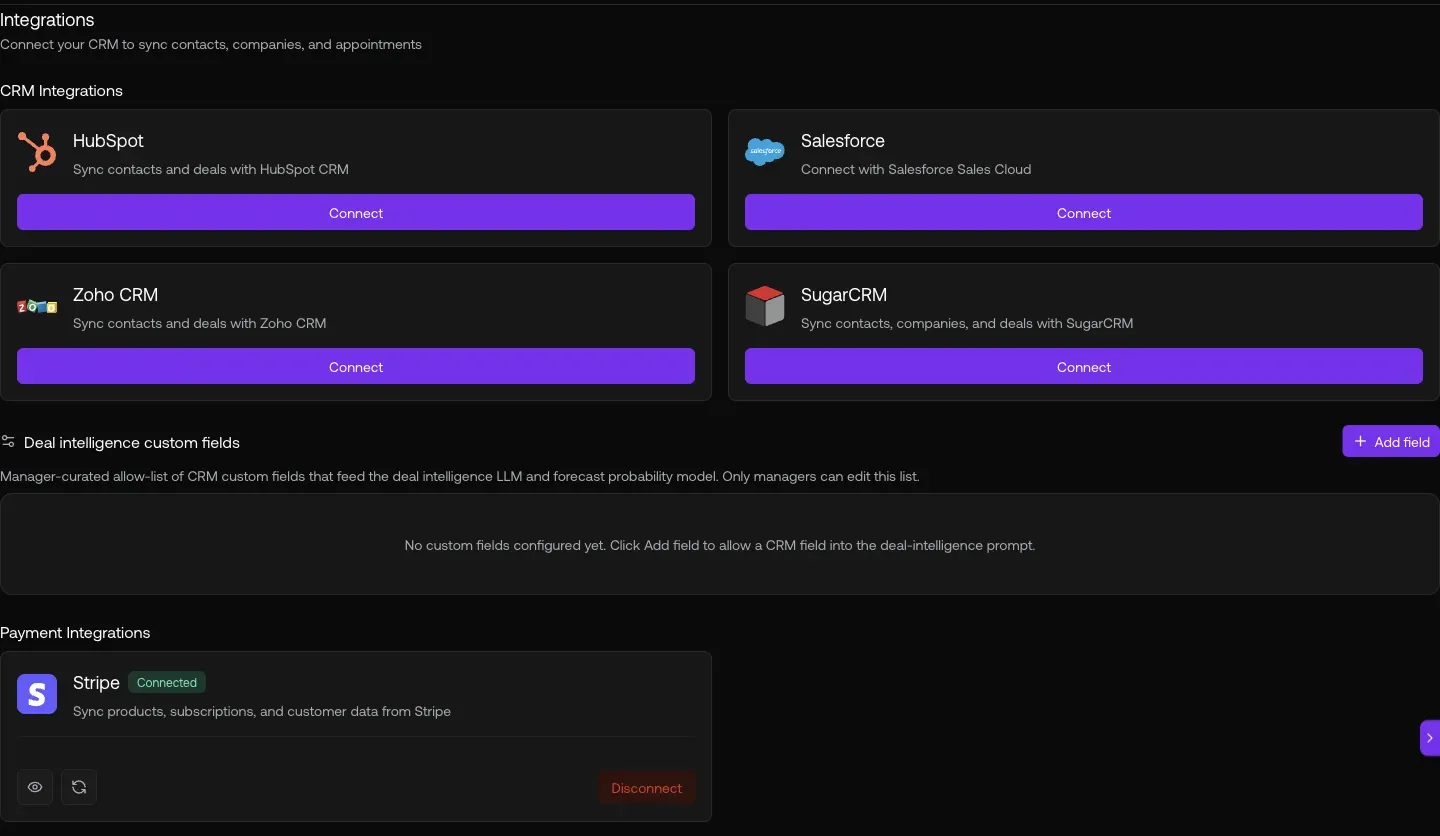
Fig 2.1 — /connections/streams Sites view. Each site = one tracking property. Click a row → Setup Instructions sub-tab for the snippet.
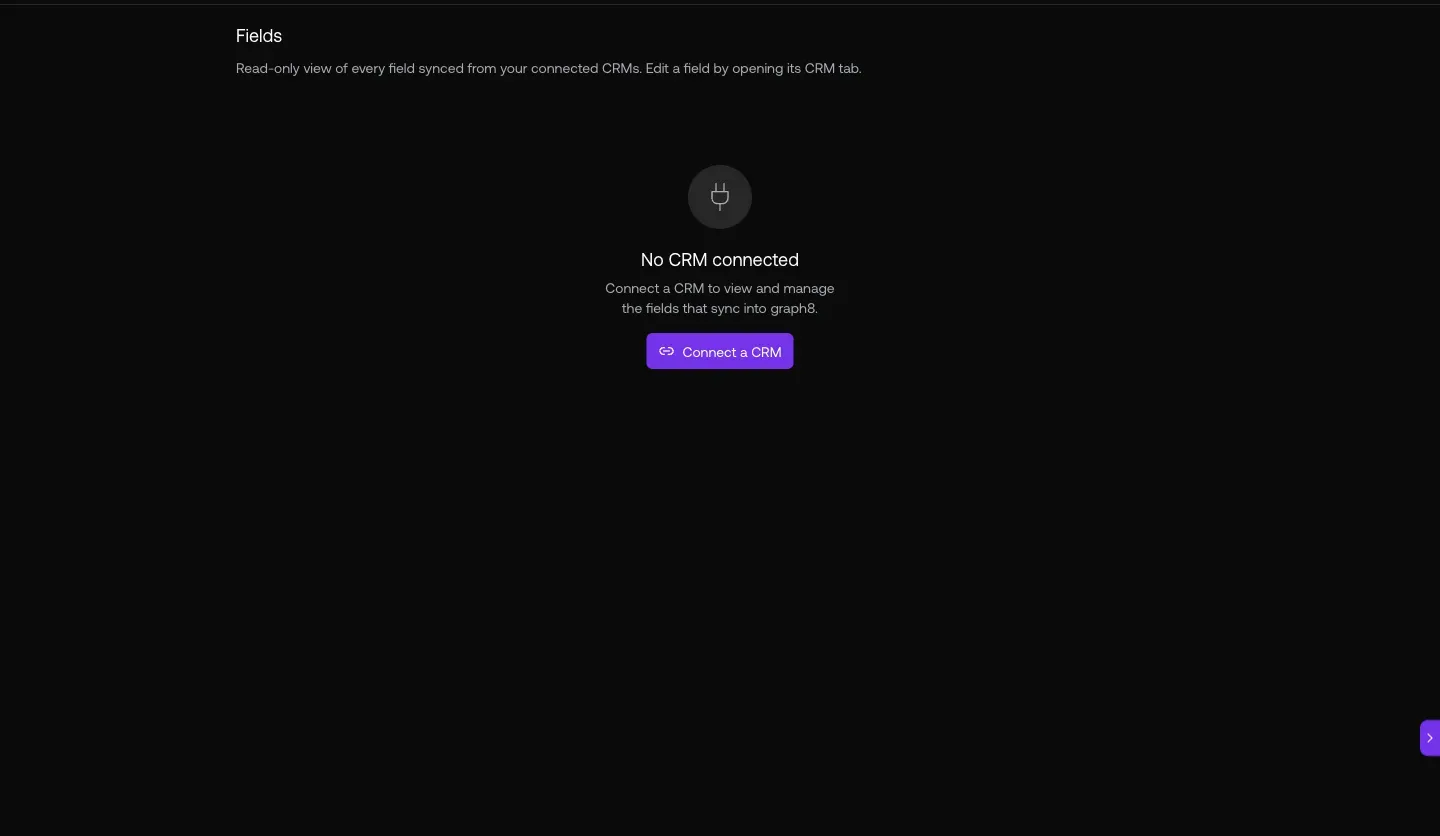
Fig 2.2 — ?tab=integrations. HubSpot Connected · Stripe Connected. Connect customer’s CRM here first.
03. Day 7-10 — Auth, domains, team
Lock down the auth domain allow-list. Set default role for new joiners. Invite the customer team. 33 users on graph8’s own org for reference scale.
Open these
/studio/settings→ Domains — auth allow-list + join settings/studio/settings→ Users — invite team members/studio/settings→ Roles — configure access levels
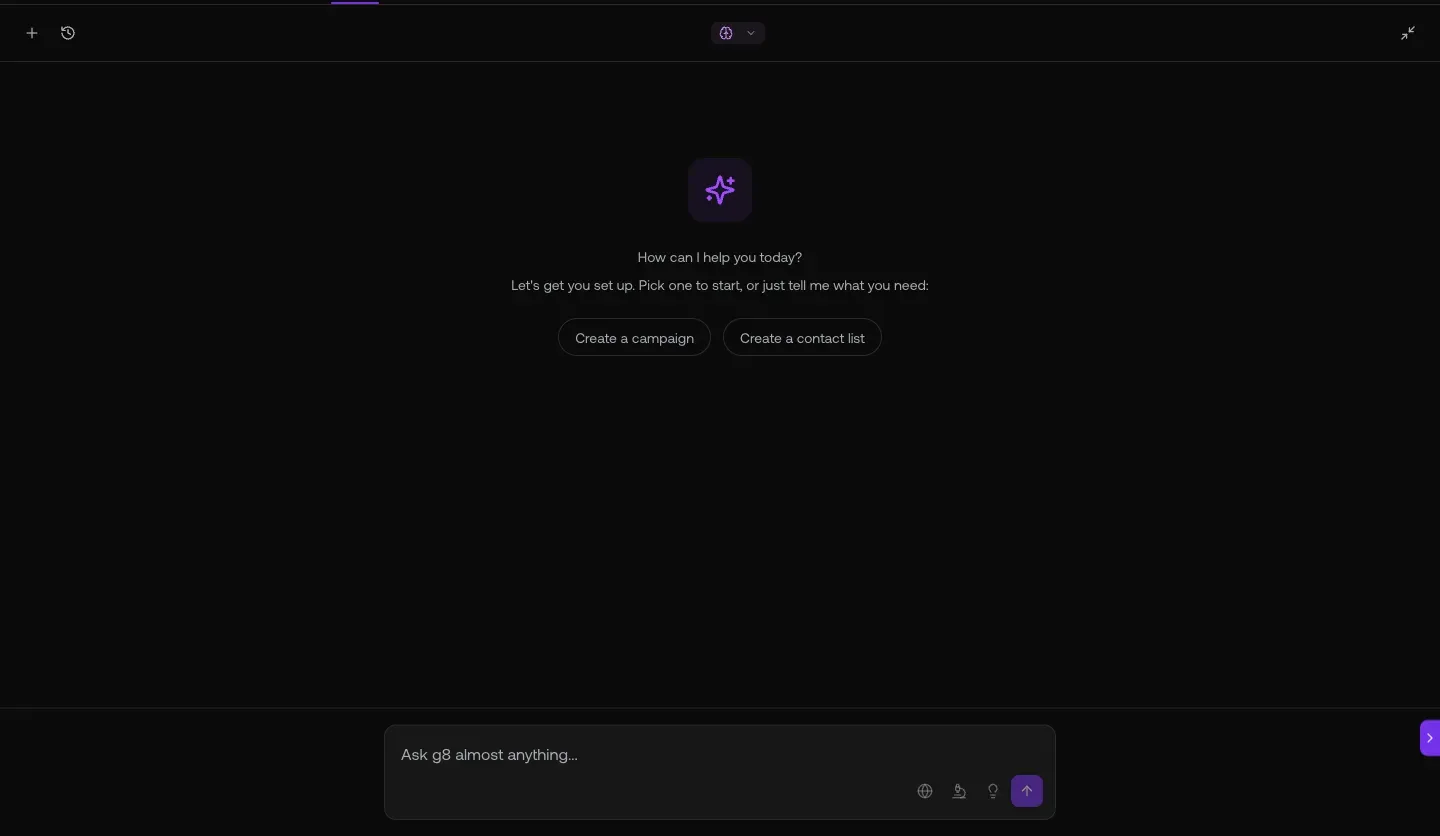
Fig 3.2 — Users. 33 team members on graph8 (reference scale). Invite User top-right. Stagger invites by role so new joiners land in the right Default Role.
04. Day 10-20 — Sequences + contacts
Clone graph8’s 30 proven team sequences as customer starting templates. Import the customer’s first contact list. Launch sequence #1 by end of week 2.
Open these
app.graph8.com/sequencer— 30 team-sequence templates to clone/contacts— 2.3M contact directory (or import customer list)/lists— create customer’s first prospect list
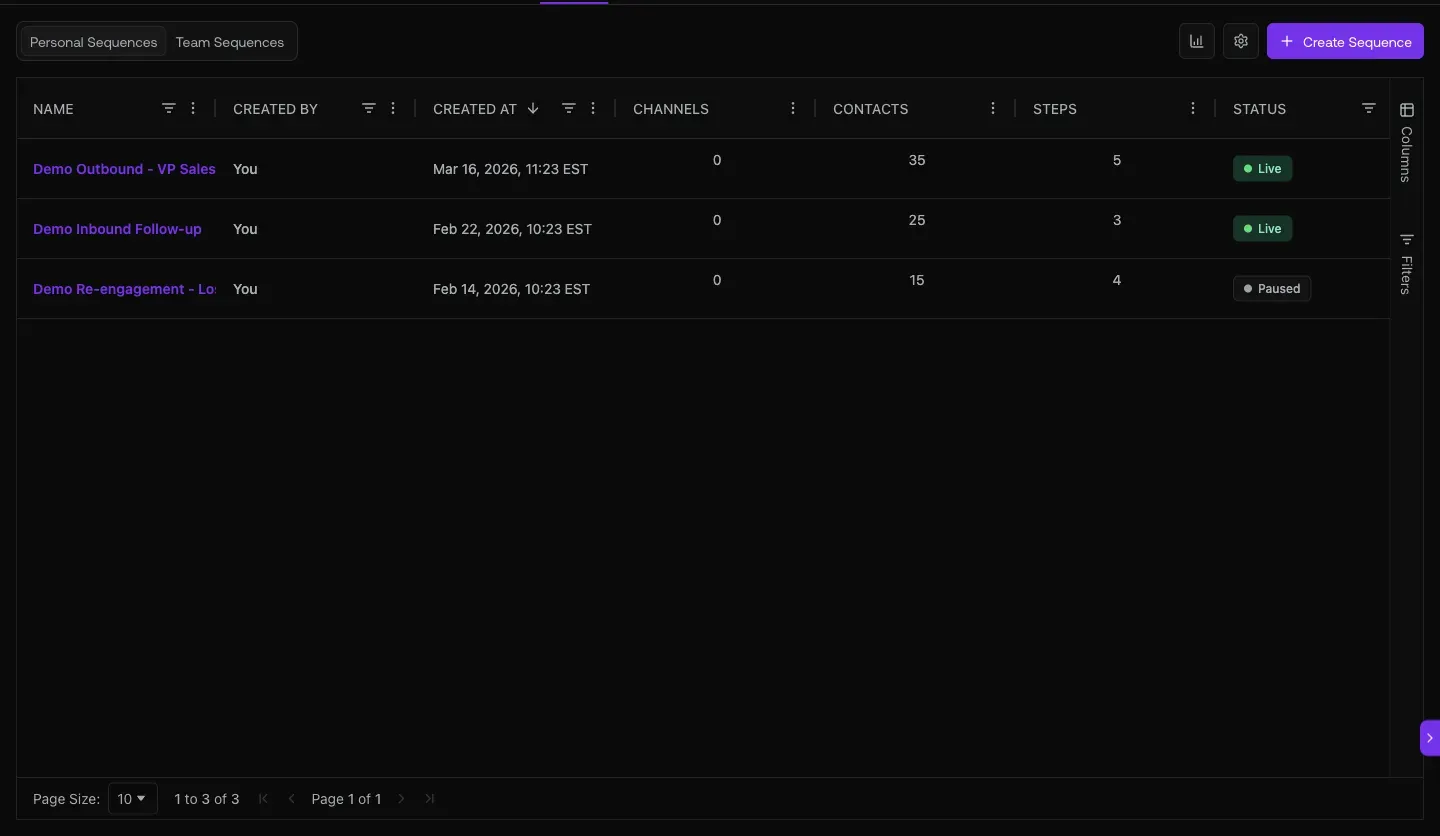
Fig 4.1 — /sequencer. 30 proven templates. Clone SalesLeaders_AI&ML or GrowthDemandGen_SaaS as starting sequences. Customer edits copy + targets without rebuilding from scratch.
05. Day 20-30 — Customer accounts + copilot orientation
Configure the customer book in /deals/l/customers (add their existing customers). Run a copilot walkthrough so the customer team knows the natural-language interface exists.
Open these
app.graph8.com/deals/l/customers— Add company → seed initial customer list- Copilot — Cmd+Shift+K · introduce to customer team
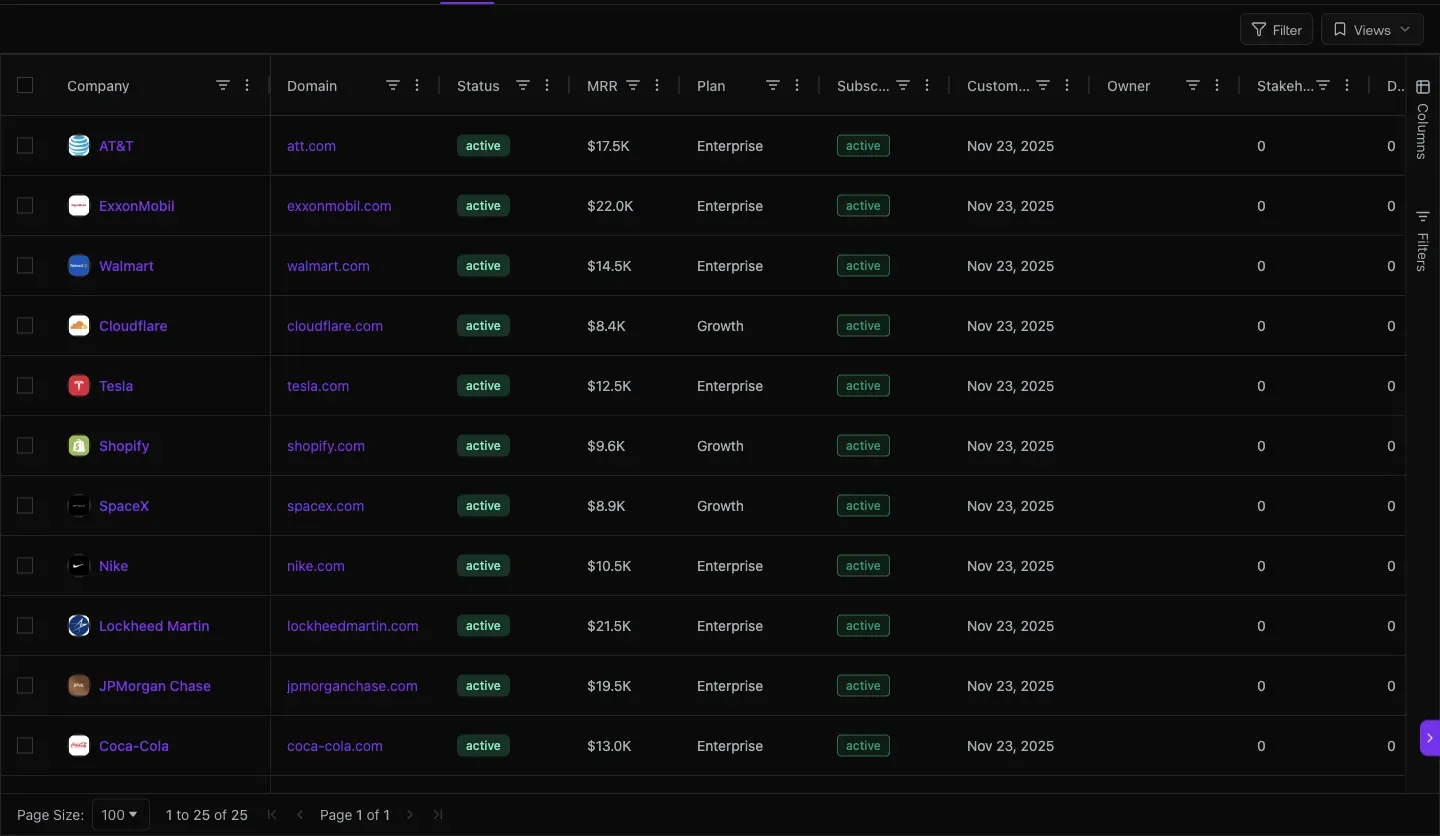
Fig 5.1 — /deals/l/customers. Add company top-right. Seed customer’s existing accounts so the Customer Health card has tenure context from day one.
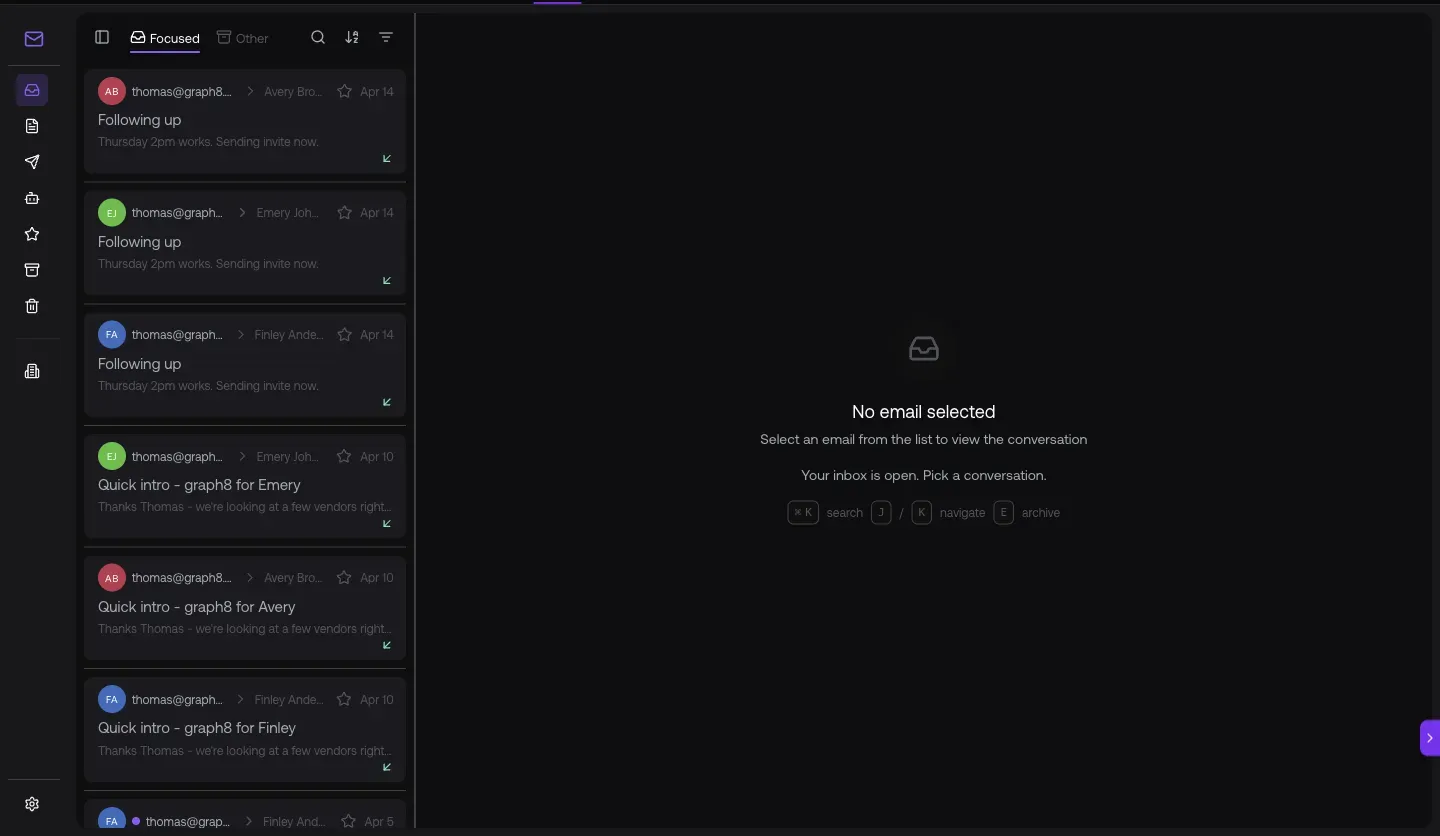
Fig 5.2 — Copilot recommended onboarding order: “1. Global Context (Foundation First) — powers everything downstream. Brand Brief · Brand Voice · ICP Research · Value Props · Offer Brief.” Same order this doc follows.
The 30-day onboarding checklist (printable)
| Phase | Steps |
|---|---|
| Week 1 — Foundation | Crawl site (?tab=scraping) · Generate brand DNA at /studio?mode=global · Review Brand Voice w/ customer · Install snippet (/connections/streams) |
| Week 2 — Integrations | Connect CRM at ?tab=integrations · Configure field mapping per object · Connect Stripe if relevant · Set up event destinations |
| Week 3 — Team + Sequences | Configure Domains (auto-join · default role) · Invite team at ?tab=users · Clone first sequence from /sequencer · Build first list at /lists · Launch sequence |
| Week 4 — Accounts + Copilot | Seed customer accounts at /deals/l/customers · Copilot walkthrough with team · Hand off to CSM |
URL cheat-sheet
| To do this | Go here |
|---|---|
| Generate brand DNA (46 docs) | /studio?mode=global |
| Customer site crawl config | /studio/settings?tab=scraping |
| Install web snippet | /connections/streams → click site |
| Connect CRM + billing | /studio/settings?tab=integrations |
| Field mapping per integration | Integration gear → Fields tab |
| Auth domain allow-list + default role | /studio/settings → Domains |
| Invite team members | /studio/settings → Users |
| Clone sequences (30 templates) | /sequencer |
| Build first contact list | /lists |
| Add customer accounts | /deals/l/customers |
| Copilot walkthrough | Cmd+Shift+K |
Heads-up — onboarding gotchas
Generated 2026-05-20 against
app.graph8.com (org your org). Surface state verified live