Messages & Meetings
Once you’re working with clients, the Messages and Meetings tabs are where you coordinate day to day and track the outbound you generate.
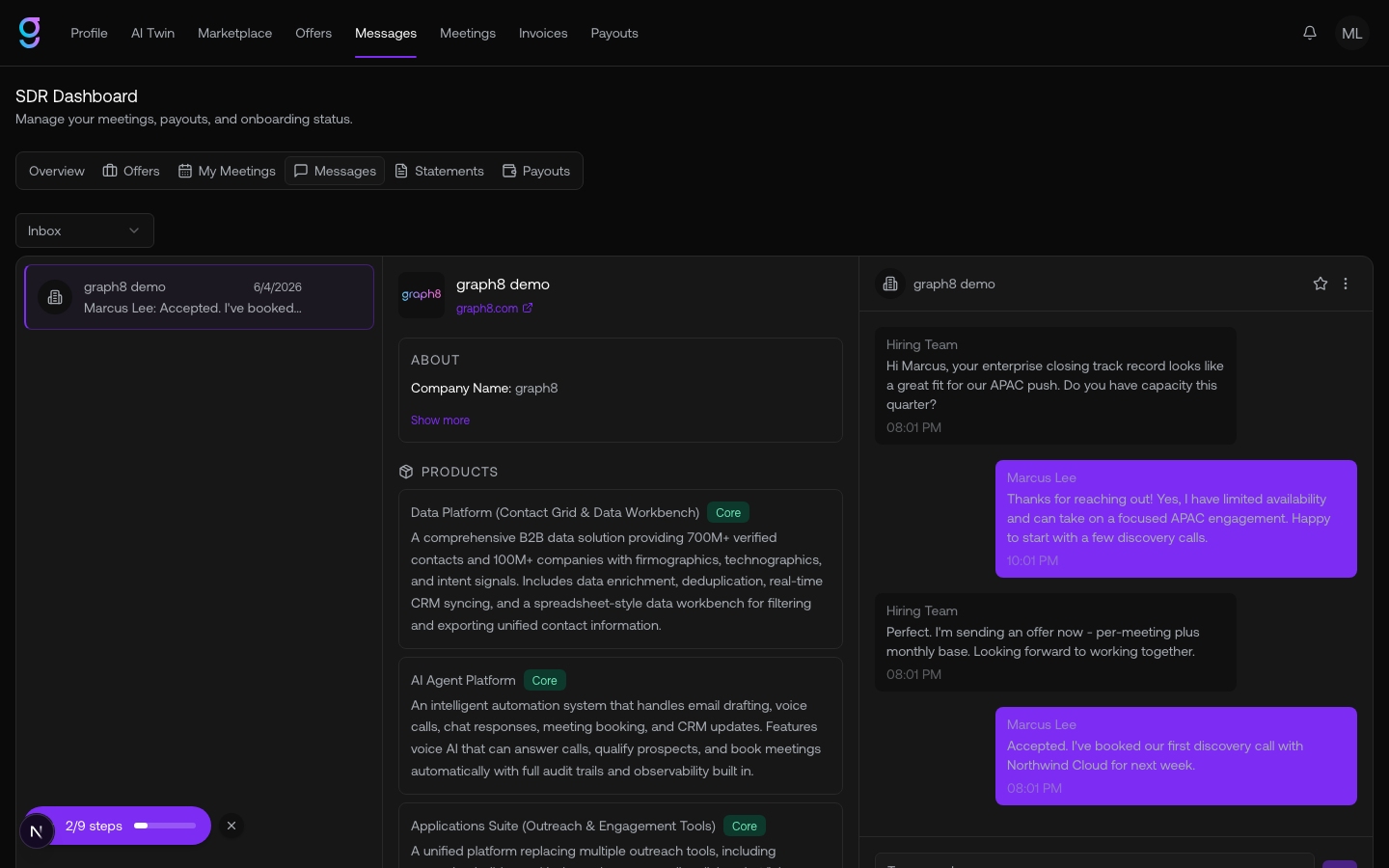
Messages
The Messages tab holds your conversation threads with hiring organizations. When a hiring org reaches out, the thread appears here so you can reply directly. Until then it shows “No messages — when a hiring org reaches out, the thread will appear here.”
Meetings
The Meetings tab lists the meetings you’ve booked for clients. You can filter by client, status, date range, and search, and each meeting shows the client org, order number, and date.
Meetings move through these statuses:
| Status | Meaning |
|---|---|
| Scheduled | Booked and upcoming |
| Taken | The meeting happened |
| Rescheduled | Moved to a new time |
| Missed | The prospect didn’t attend |
| Cancelled | Called off |