Opening the Marketplace
Clients open the Marketplace from the Marketplace icon in the top navigation. It’s where you browse vetted talent, send hire offers, and manage everyone you’ve hired — all in one place.
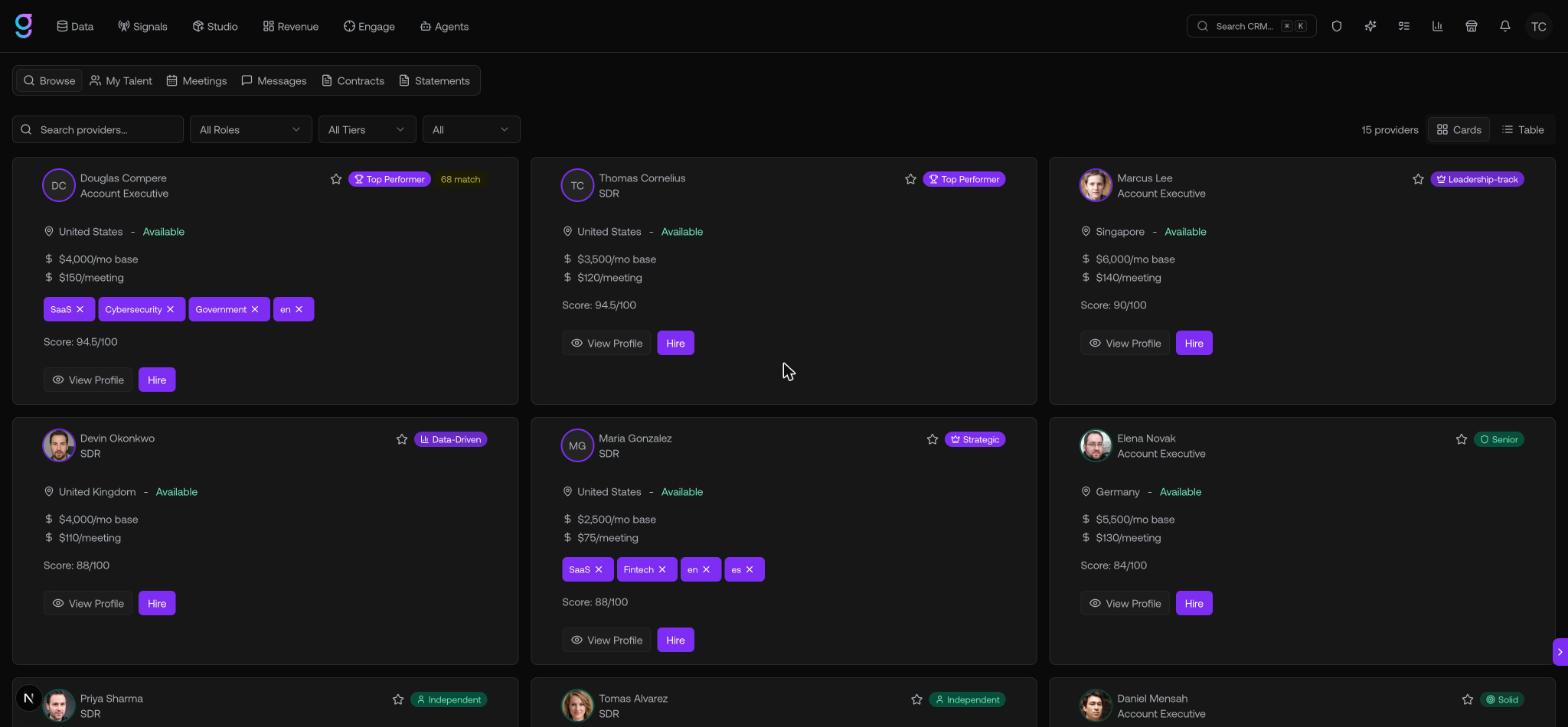
The six tabs
The Marketplace is organized into six tabs across the top:
| Tab | What it’s for |
|---|---|
| Browse | Search and filter the full talent catalog, then view profiles and send offers |
| My Talent | The talent you’ve actively hired — message them, manage list access, or end a contract |
| Meetings | Meetings your hired talent have booked |
| Messages | Your message threads with talent |
| Contracts | Every offer you’ve sent, grouped by status |
| Statements | Billing — review and pay the service statements talent submit |
Who it’s for
The Marketplace is for any team that wants to add outbound capacity without recruiting and onboarding in-house. You hire pre-vetted SDRs, Account Executives, and GTM Engineers on flexible terms and pay based on the rates you agree on.