graph8 for GTM Engineer
A field guide for GTM Engineer. Live URLs, real surfaces. Screenshots captured from a showcase tenant with public-company data only.
The five things to use today
01. Event pipeline — Connections, Functions, Destinations
A Jitsu-style event router: capture events from sites and apps, transform them with JavaScript Functions, fan them out to warehouses, ad pixels, CRMs, and analytics destinations.
Open it at
app.graph8.com/connections/overview— pipeline overview/connections/list— source→destination event routing table/connections/streams— tracking streams (sites/apps) with browser + server write keys/connections/functions— JavaScript event-transform functions/connections/destinations— routing targets (warehouse, GA4, Meta, LinkedIn Tag, OpenReplay, Matomo, etc.)/connections/live-events— real-time event stream with Incoming / API Destinations / Batches tabs/connections/tailor— dynamic page personalization/connections/syncs— data sync jobs
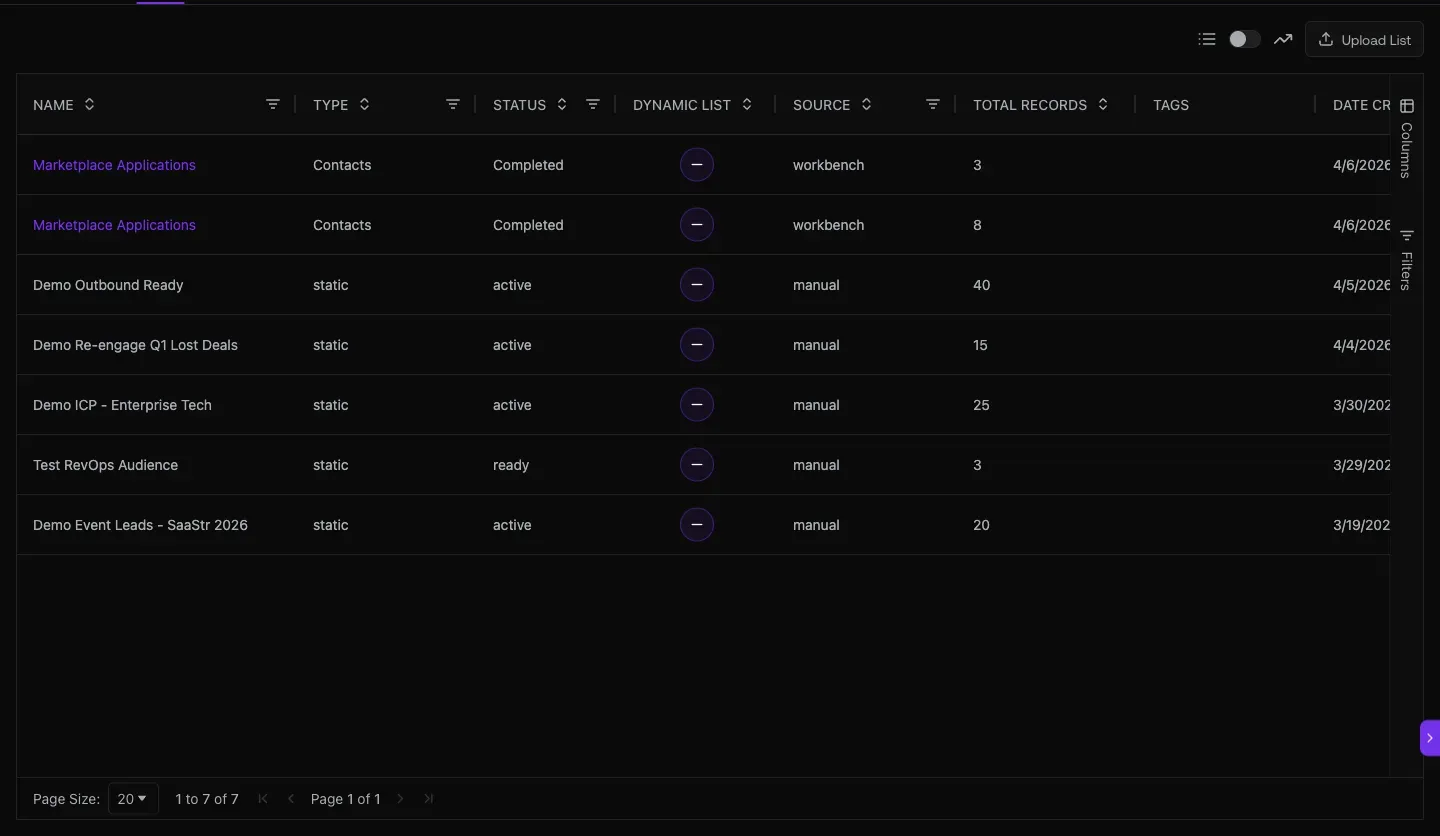
Fig 1.1 — Connections list. Each row is a source → (optional Function transform) → destination edge. This is the heart of the GTM pipeline.
Functions are real JavaScript with test + run
Open /connections/functions and any function pops a full code editor with: live JS code, Test Env Vars, Sample Event payload, and a Run button. Write your transform, paste a sample event, click Run, see the output before deploying.
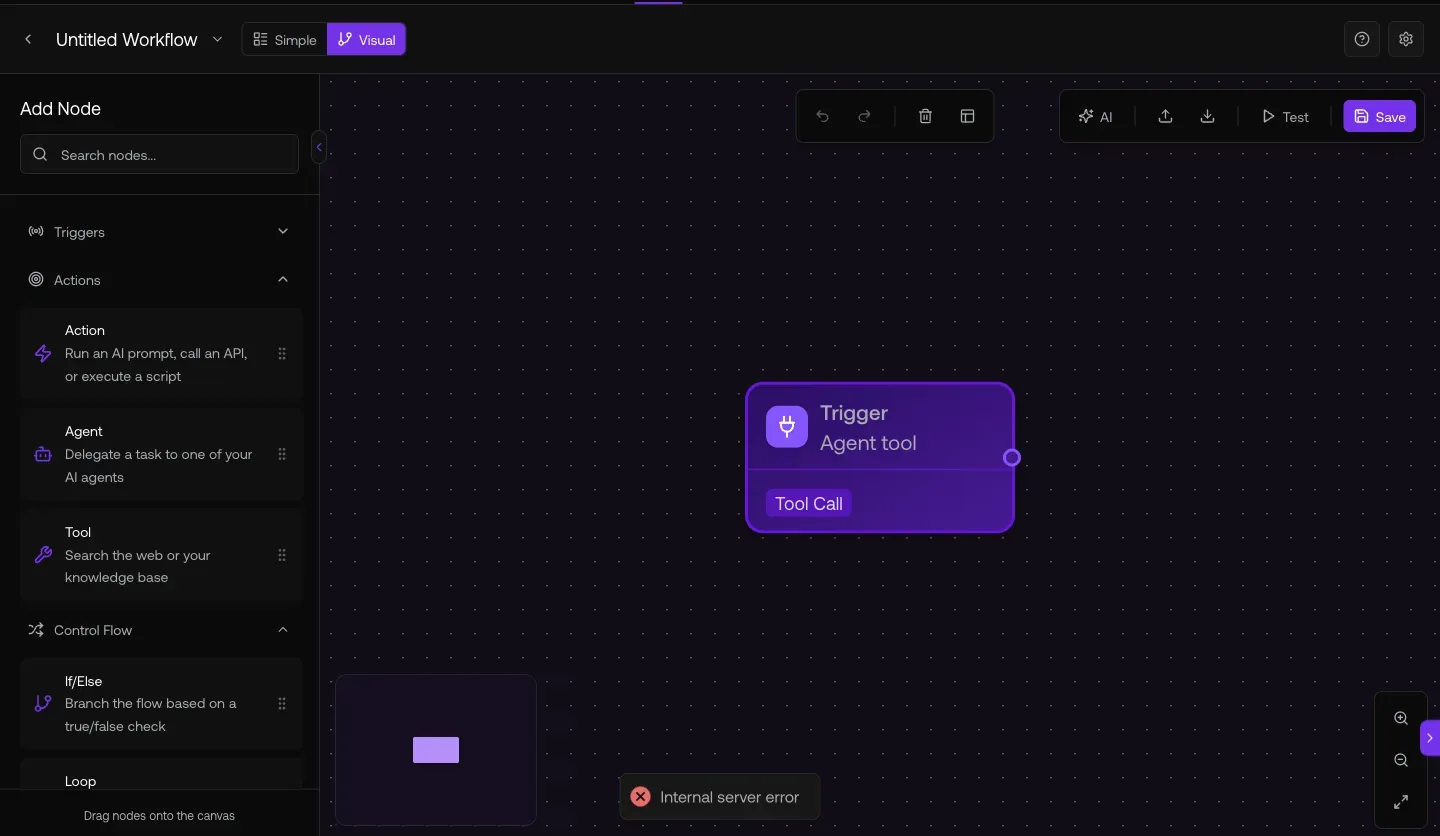
Fig 1.2 — Function code editor. Standard JS with access to the incoming event payload + Env Vars. Test before you ship.
02. CRM + billing integrations with bidirectional field mapping
Connect HubSpot, Salesforce, Zoho, SugarCRM, and Stripe. Map fields both ways. Auto-fill or overwrite per field. Push/Pull/Activity/Appointments toggles per integration.
Open it at
app.graph8.com/studio/settings?tab=integrations— full integrations catalog
Today live: HubSpot connected (Salesforce/Zoho/SugarCRM available), Stripe connected for billing. Click any integration to open the settings modal — sub-tabs Push · Pull · Fields · Appointments with Auto Sync, Activity Sync, and per-record-type controls (Contact / Lead / Company / Deal).
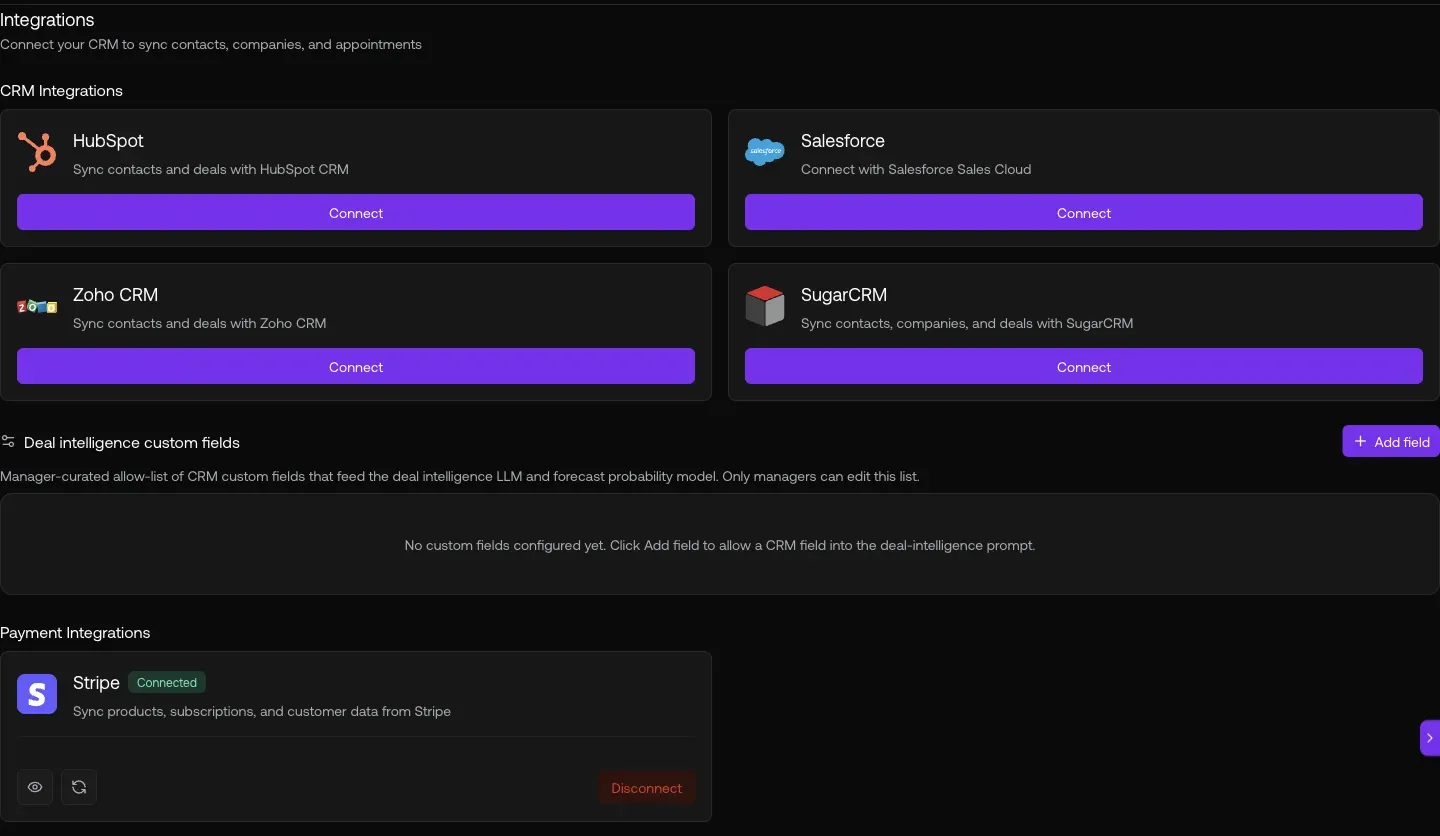
Fig 2.1 — /studio/settings?tab=integrations. CRM + Payment categories. HubSpot & Stripe live; rest are one-click-connect.
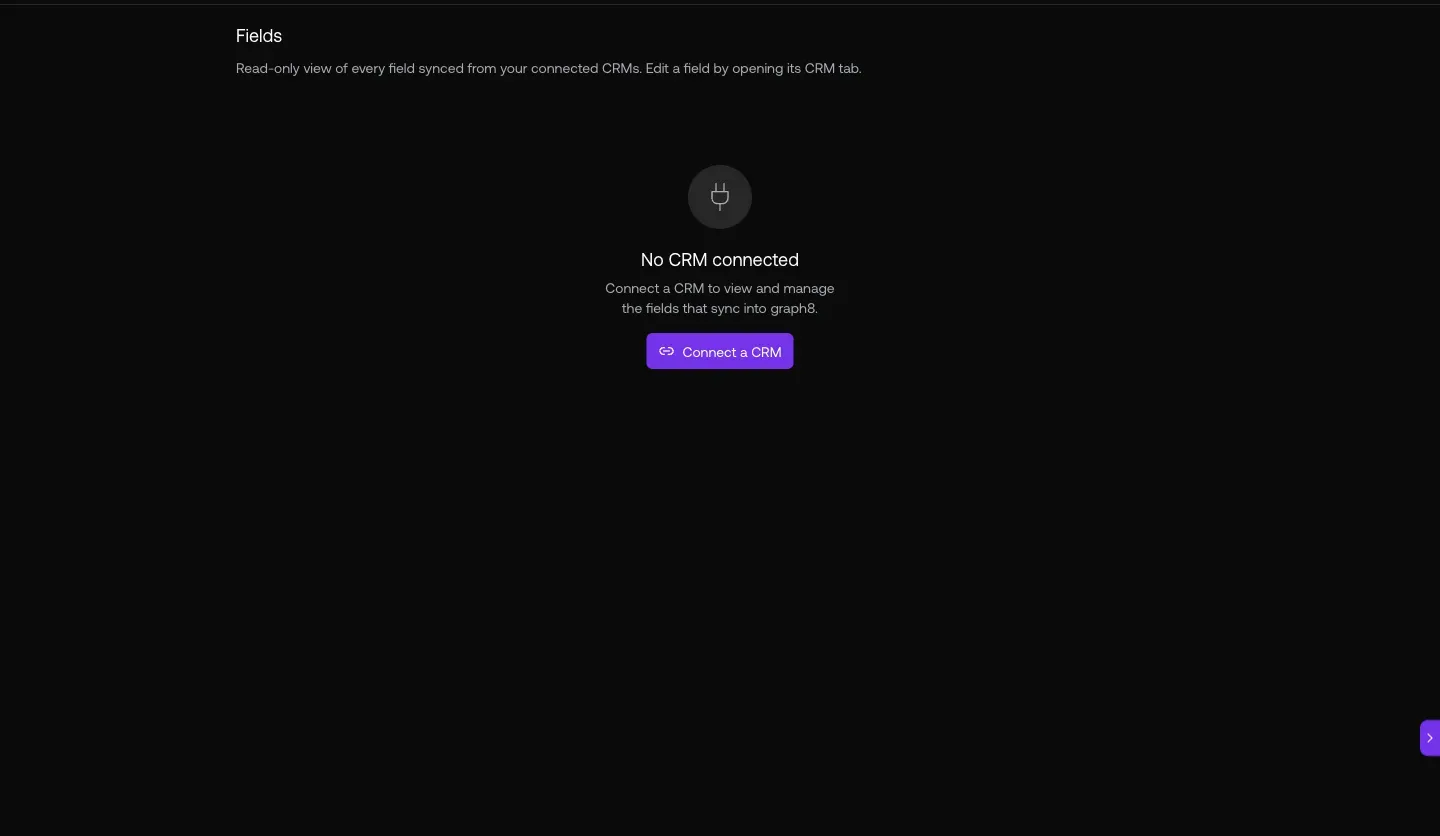
Fig 2.3 — Field mapping. Per-object (Contact / Lead / Company / Deal) Graph8 Field ↔ CRM Field with Auto Fill / Overwrite radio per row. This is also the closest thing to a custom-field surface today — there’s no standalone /fields route.
03. Capture leads — Forms + web tracking snippet
Forms feed straight into the contact directory with full submission history. Web snippet is one HTML tag pointed at events.flow.graph8.com.
Open it at
app.graph8.com/forms— form list + submission tables/connections/streams→ click a stream → Setup Instructions for the web snippet
Forms detail shows the live submission table: First Name · Email · Received At · Page Title · URL. Every submission becomes a contact with full attribution to the source page.
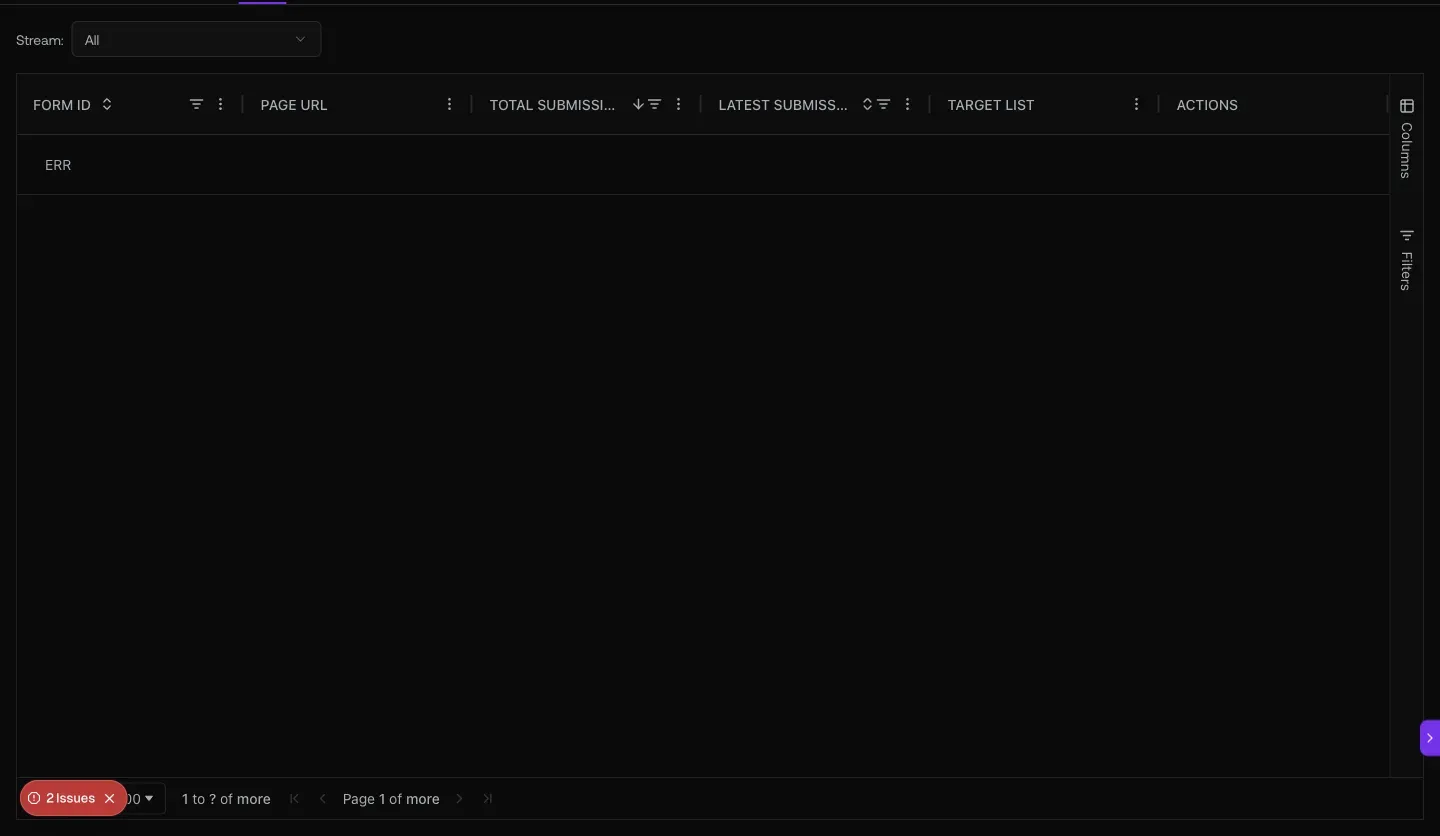
Fig 3.1 — /forms submissions table. Every row is one form fill, linked back to the contact record.
Web snippet — paste once, track everything
The snippet ships as a single <script> tag with your stream’s write-key, pointed at events.flow.graph8.com. Drop it in your site’s <head> once; from then on every pageview, form submit, button click, and custom event flows into the Connections pipeline.
Fig 3.2 — Stream setup. Copy the snippet, paste into <head>, watch events appear in /connections/live-events within seconds.
04. Programmatic access — API keys, Webhooks, MCP & CLI
10 API keys provisioned today, webhook endpoints for inbound events, and a full MCP server that exposes 80+ tools to Claude/Copilot via stdio or HTTP.
Open it at
app.graph8.com/studio/settings?tab=api— API Keys + Webhooks + MCP & CLI config
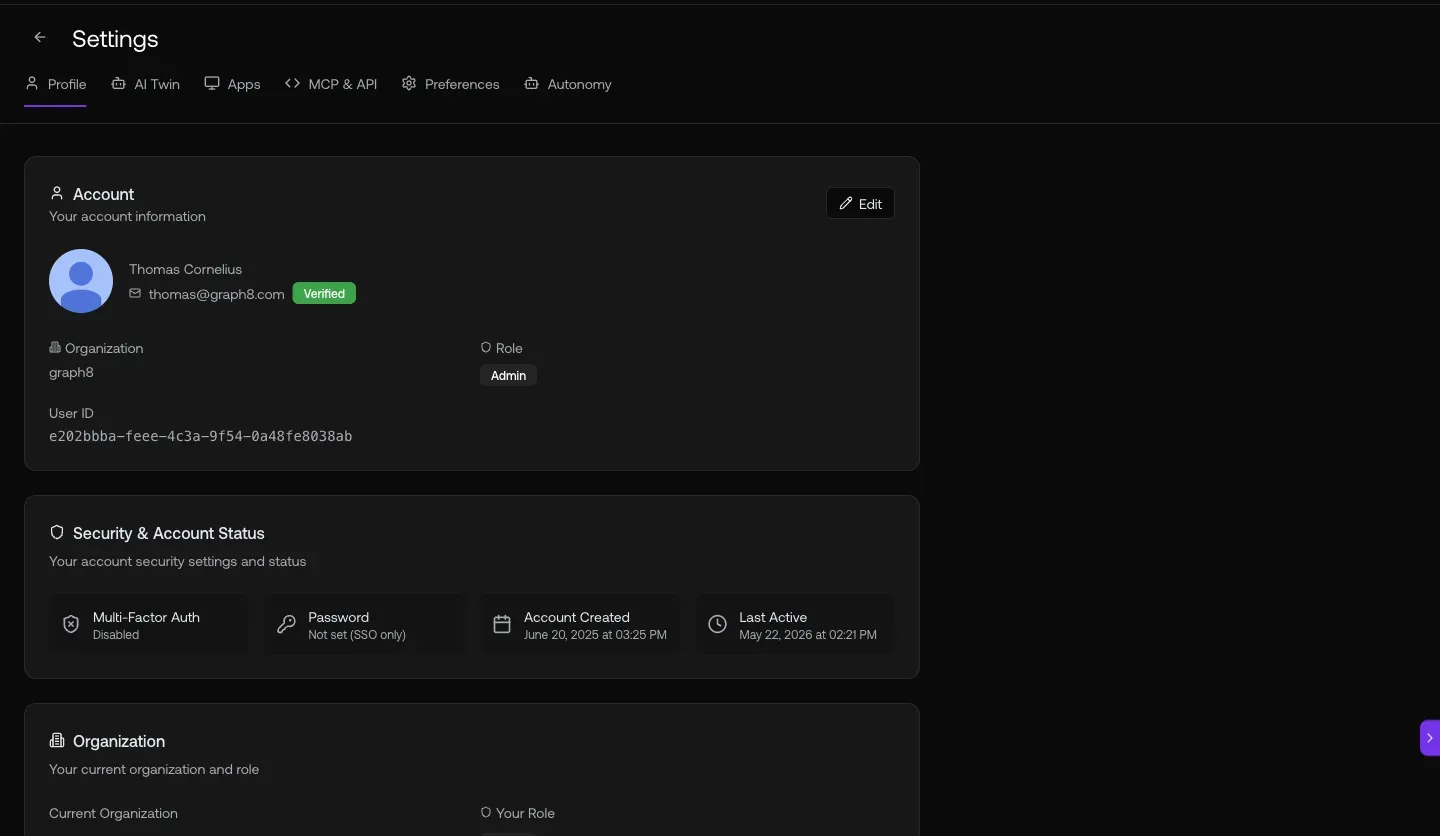
Fig 4.1 — /studio/settings?tab=api. API keys are displayed redacted (d325…8e33) — copy once at creation. Webhook section below for inbound POSTs.
MCP — Claude/Copilot/Cursor + graph8
The MCP server exposes the same 80+ tools the in-app Copilot uses (search contacts, create lists, launch sequences, query deals, generate quotes, etc.). Two modes: Local stdio for dev (running on your laptop) and GTM Mode for Claude Desktop. Config is JSON.
Fig 4.2 — MCP & CLI config. Copy the JSON, drop into Claude Desktop / Cursor / your stdio host, restart, get all 80+ graph8 tools natively.
Tool discovery (heads-up for LLM consumers)
Only ~30 tools are returned in the default tools/list — the rest are hidden to keep context lean. Use g8_tool_search to load specific categories on demand:
g8_tool_search(query=“workflow”) // workflow / automation building g8_tool_search(query=“dialer”) // voice / dialer / phone calls g8_tool_search(query=“intent”) // buyer intent / signals / keywords g8_tool_search(query=“skill”) // LLM skill authoring g8_tool_search(query=“field”) // custom fields / properties g8_tool_search(query=“form”) // forms / form responses g8_tool_search(query=“snippet”) // web snippet / tracking install g8_tool_search(query=“playbook”) // playbooks (multi-step guides)
05. Audience sync, ad campaigns, and conversion attribution
Push graph8 audiences to Meta / LinkedIn / Google / X as match-rate-optimized custom audiences. Track form-fill + meeting-booked conversion rates back to ad source.
Open it at
app.graph8.com/ads— ad campaign manager + Create Campaign wizard/analytics/conversions— Goal Completions + Form Performance/analytics/acquisition— Channel + Source/Medium breakdown/analytics/attribution— Sender performance (empty for graph8 org today)
The /ads wizard walks: Platform → Audience → Creative → Budget → Review → Publish. Audience step pulls saved lists from graph8 and pushes them as custom audiences. Creative step pulls ad images from the brand snapshot. Budget + Review + Publish hand off to the platform’s ads API.
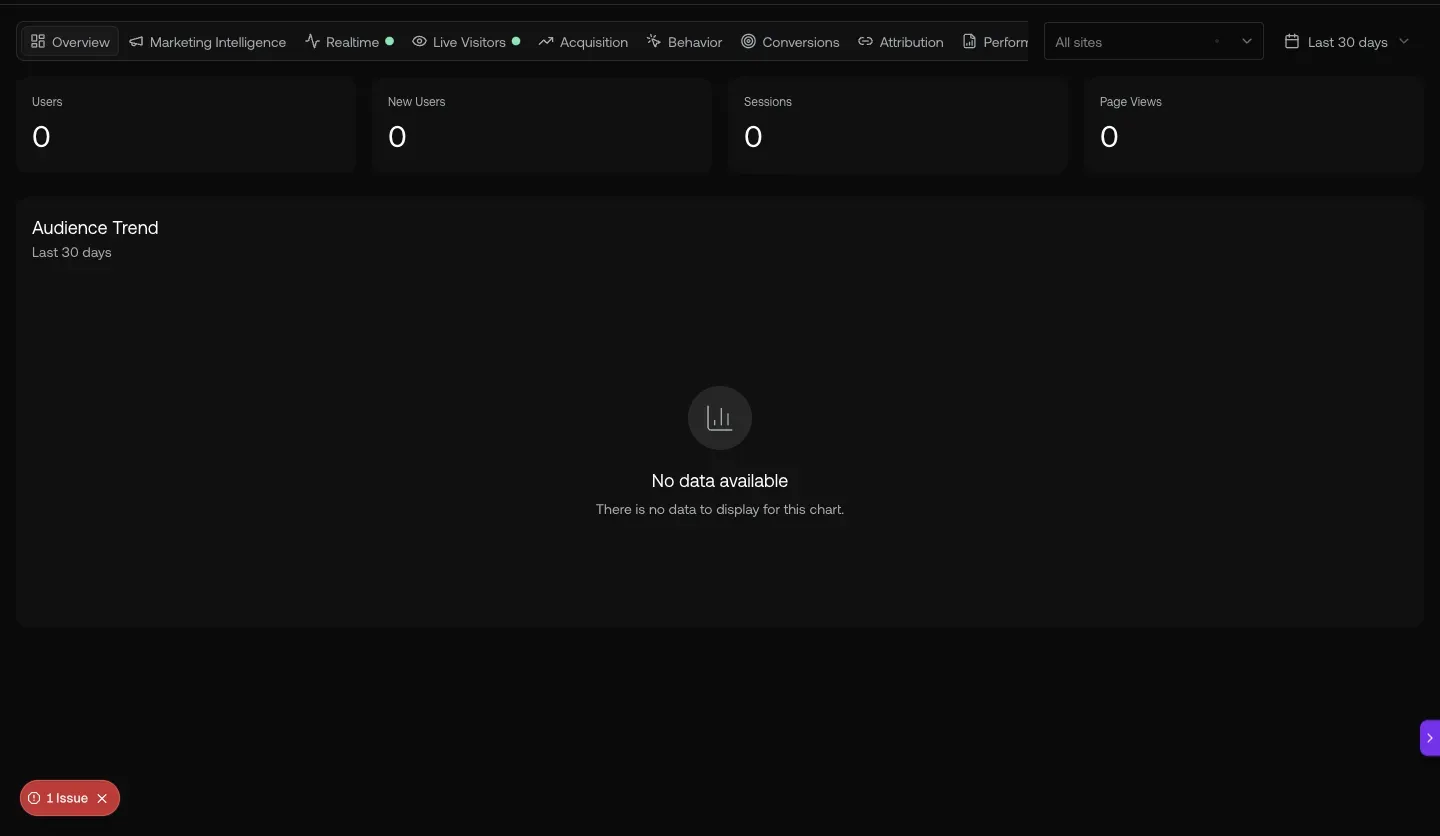
Fig 5.1 — /ads. “Manage audience syncs and ad campaigns across Meta, LinkedIn, Google, and X.”
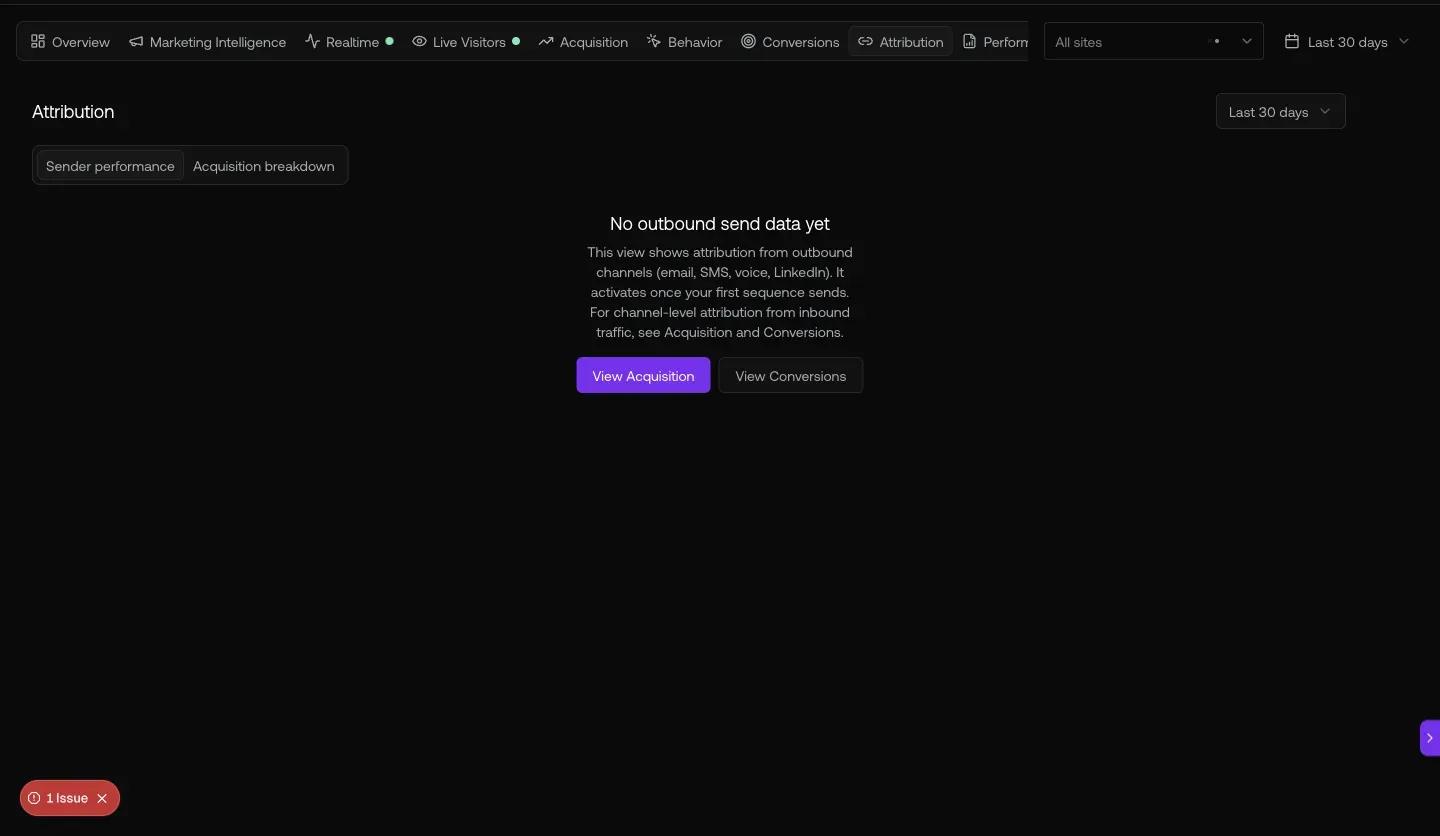
Fig 5.2 — /analytics/conversions. Goal Completions (Form Submission, Meeting Booked) + Form Performance with per-form submission + conversion rates.
Discovered routes worth knowing
| What | Route |
|---|---|
| Settings tree — 14 sub-tabs (Company, Users, Teams, Roles, Domains, Mailboxes, Phone Numbers, SSO, API/MCP, Compliance, Scraping, Integrations, Billing, Revenue, Tasks, Docs, Enrichment) | /studio/settings?tab=... |
| Site crawl / scraping config | /studio/settings?tab=scraping |
| Domain purchase, mailbox purchase, phone numbers | /studio/settings sub-tabs |
| Live event stream (real-time debug) | /connections/live-events |
| Dynamic page personalization | /connections/tailor |
| Agents + Twins (Receptionist, SDR, CSM, AE roles) | /agents |
| graph8-admin dashboard (713 customer orgs, Services, LLM Charges, Custom JS) | /admin |
| Marketplace (SDR hiring) | /marketplace |
| 9-tab analytics | /analytics/\{overview,acquisition,behavior,conversions,attribution,marketing-intelligence,realtime,live-visitors,performance-reports\} |
Heads-up — naming + missing routes
Generated 2026-05-20 against
app.graph8.com (org your org). Surface state verified live before publication